Payout
On this tab, you can view employees’ payment methods and the converted payment amounts based on the currencies configured for each payment method. You can also download an invoice for each payment method. To enable this, you must first upload an invoice template for each payment method. Up to three invoice templates can be added per payment method.
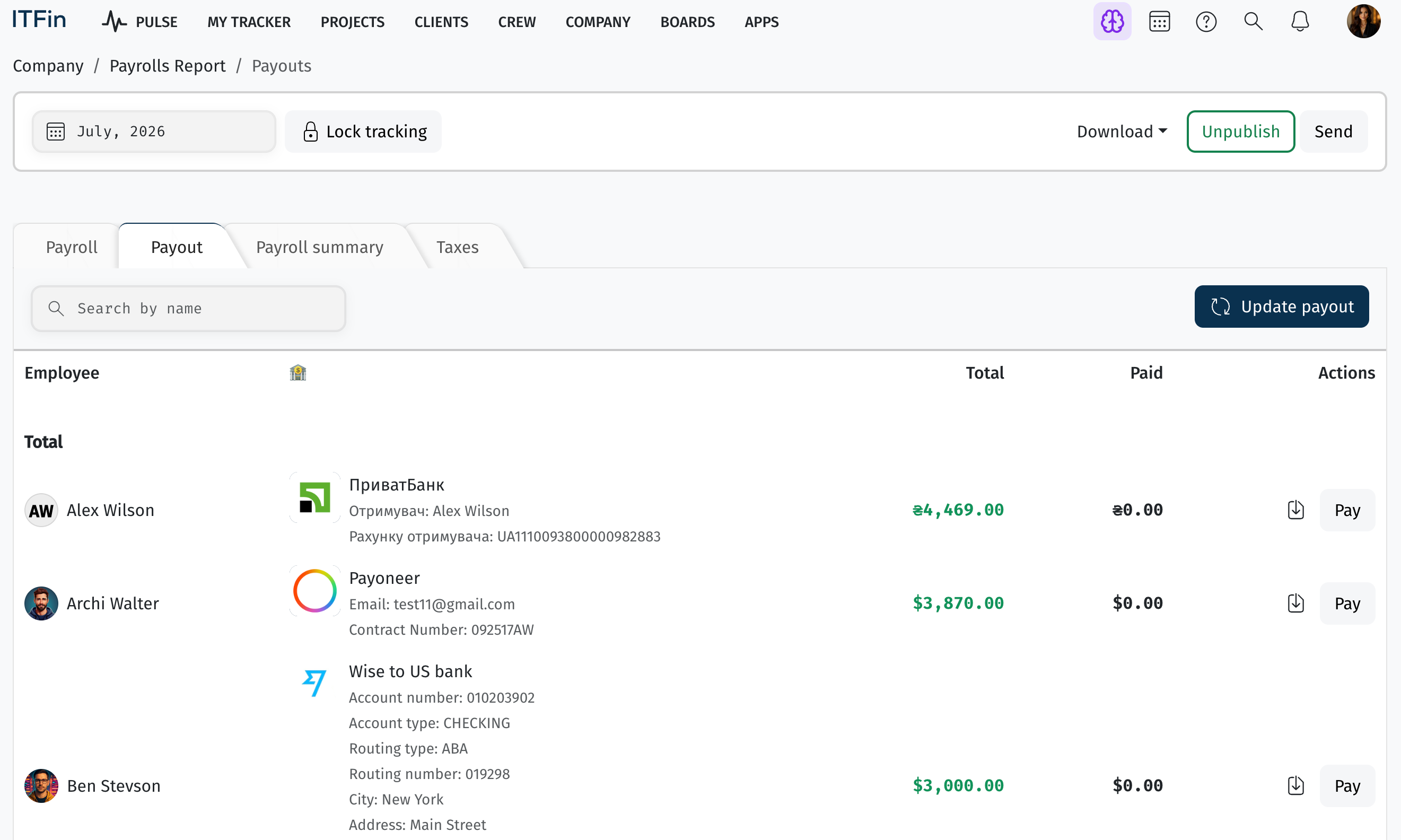
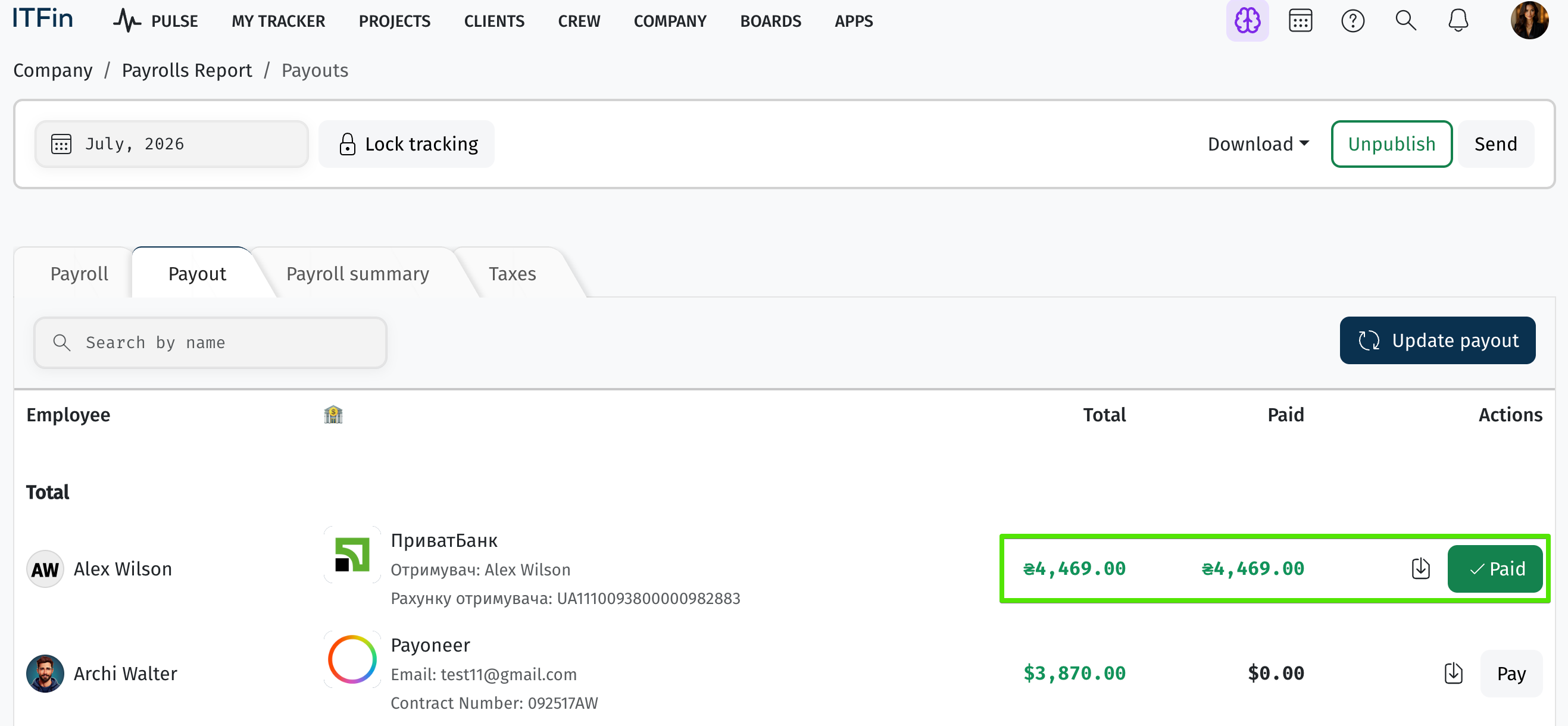
The Pay button serves as a marker for the finance specialist to indicate which employees have already been paid.
Using the Download option, you can generate various reports related to the payroll.
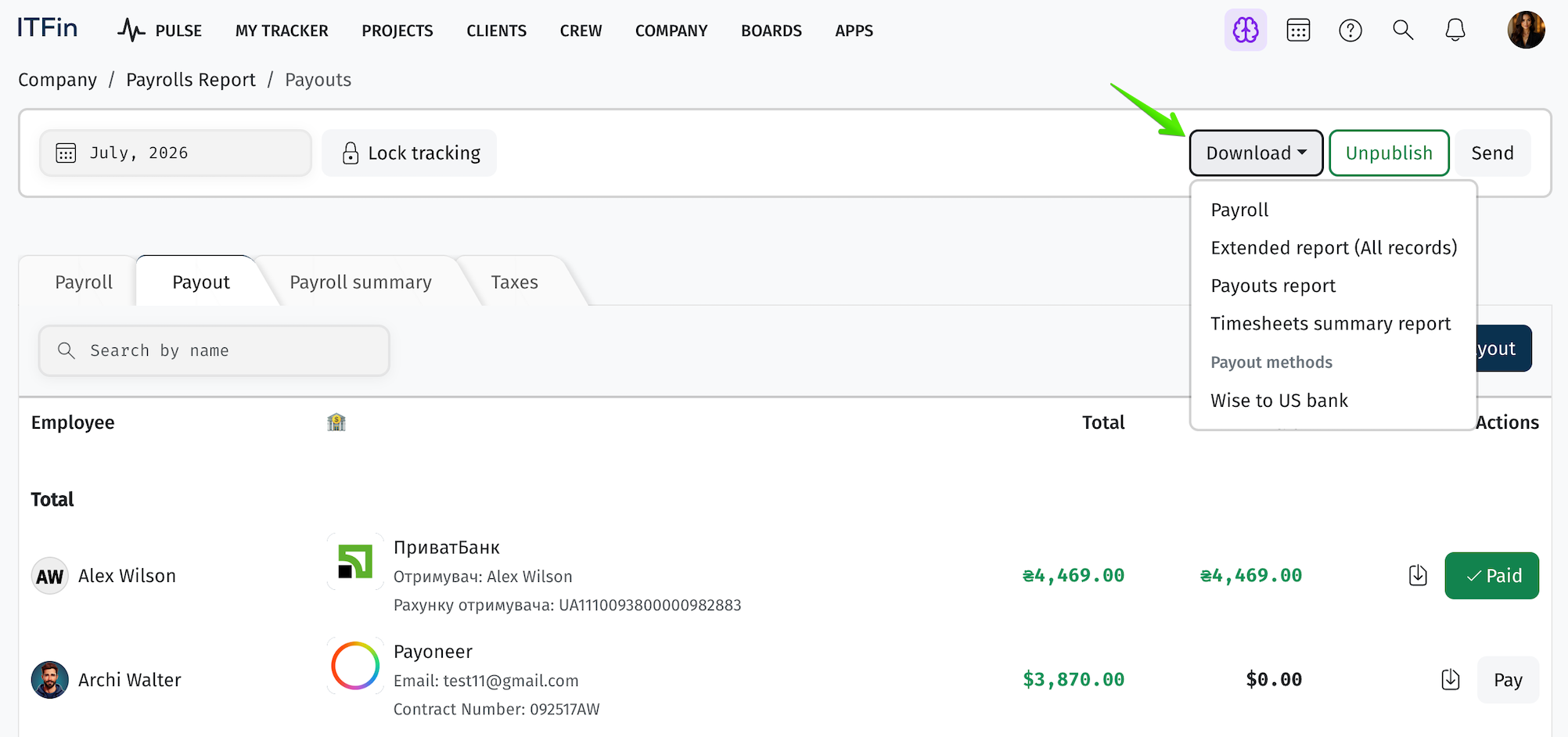
In the Payment Methods section, you can download bank-specific payment files that can be uploaded directly to the corresponding bank to process employee salary payments.

Last modified